
Looking for an ApplyDesign alternative?
30 seconds, not 10 minutes.
ApplyDesign mixes AI with 3D rendering. Powerful but slow (10 min per render) and priced per image. Gepetto stages in ~30 seconds on a monthly subscription, with 8 other modes.
 Try Gepetto free





The honest TL;DR
- You specifically need multi-angle 3D renders of the same room.
- You want to drag-and-drop furniture in 3D space on every render.
- A 10-minute wait per output works for your workflow.
- You publish under 5 photos a month (per-image pricing makes sense at low volume).
- Going from 10 min to ~30 s per render changes how you work — iterate 20x and pick the best, instead of committing to the first.
- You want subscription pricing ($42.99/mo) instead of $10.50 per image.
- You need nine modes in one tool: sky, paint, video, exteriors, 4K, photo enhancement and more, alongside staging.
- You stage on the go from iOS or Android, not just at your desk.
ApplyDesign is a hybrid AI + 3D pipeline. Slower, more controllable, priced per render. Gepetto is pure neural rendering. Faster, broader, subscription-priced. Different tradeoffs for different audiences.
Fast AI doesn't mean cheap output.
Gepetto is fast and photoreal.
Some teams assume that a 30-second render must look worse than a 10-minute one. With Gepetto, the opposite is often true. Pure neural rendering, trained on millions of real interiors, preserves light direction, shadow geometry, scale and material textures, the details a buyer's eye catches in half a second.
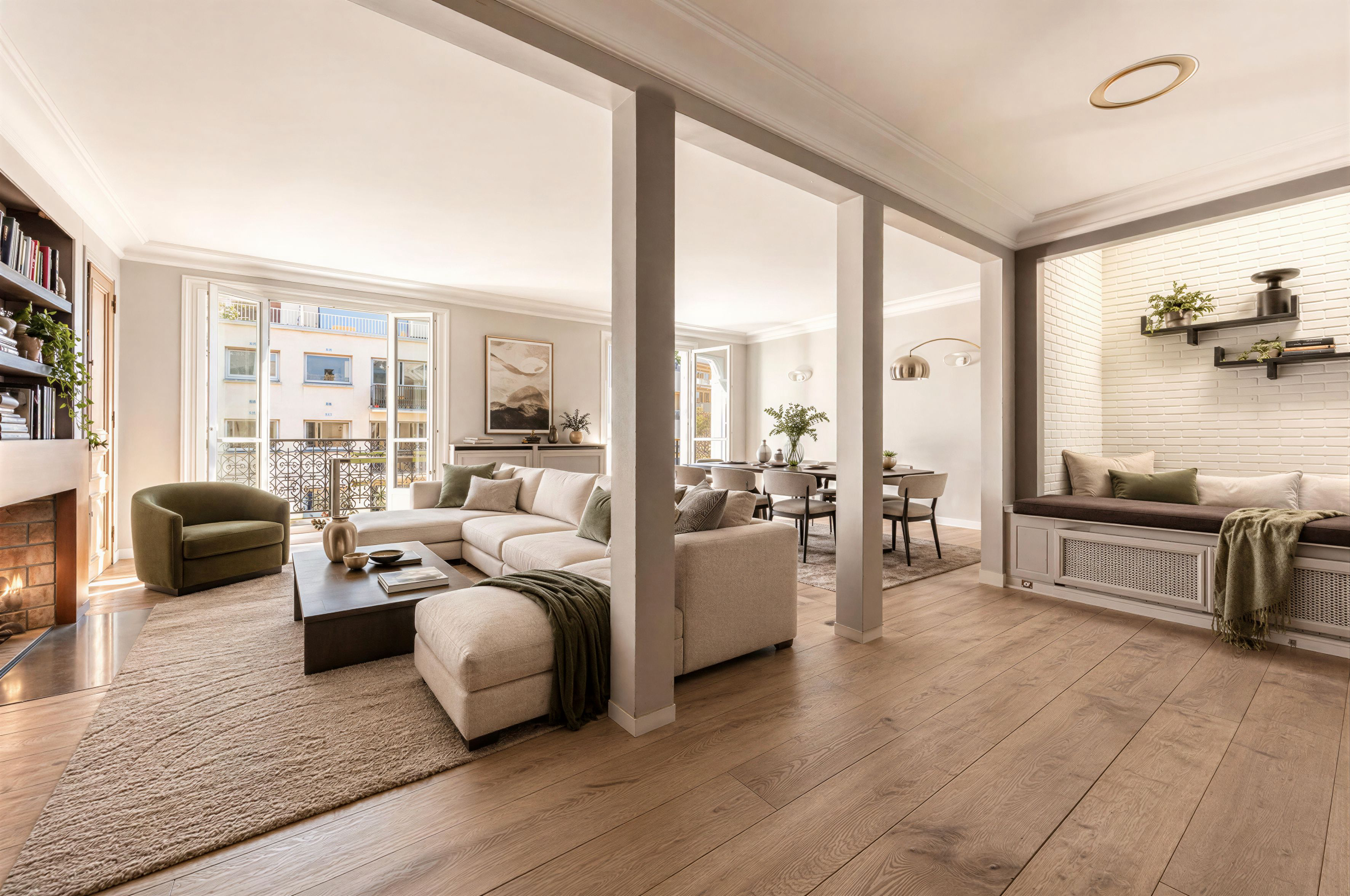
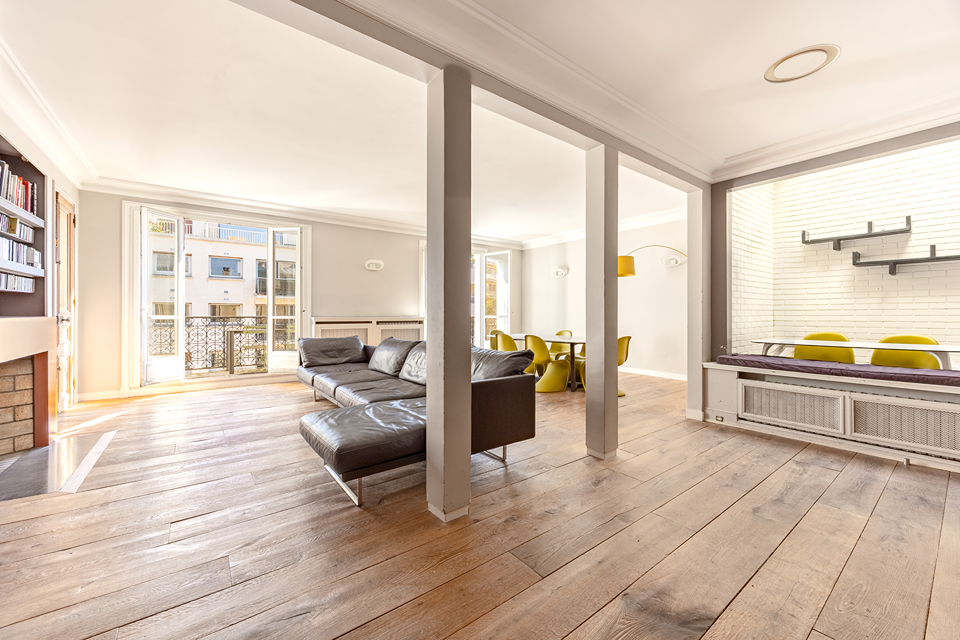
Same room, two outputs. Hover to see Gepetto's staging. Light, shadows, scale, all preserved.
Light & shadows preserved
Gepetto reads the light direction in your photo and casts furniture shadows that match. No floating sofas, no impossible reflections.
Real scale, real perspective
A console table stays a console table. A king bed fits a master bedroom, not a studio. The geometry of walls, ceilings and openings is locked.
Materials that feel right
Wood grain, fabric weave, marble veining: textures that pass the second-look test. No plastic finishes, no AI-generic fabric.
Buyer-grade, not 3D-grade
The output looks like a photograph, not a render. That's what wins clicks on Zillow, SeLoger or your portfolio.
Speed is what lets you iterate. Realism is what makes the iteration worth keeping. You need both.
Feature comparison
We're not going to bash a competitor. Here's what Gepetto includes. Judge for yourself if your current tool covers the same scope.
Both stage rooms. Gepetto delivers photoreal output in seconds with a wider catalog of high-end styles.
~10 minutes per render on ApplyDesign vs ~30 seconds on Gepetto. 20x faster iteration.
ApplyDesign starts at $10.50 per image. Gepetto is subscription-based: from $23/month (custom Enterprise plan on request), no per-image fees.
ApplyDesign's hybrid 3D lets you render the same room from multiple angles. Gepetto is pure neural — one angle per source photo. Workaround: shoot the room from 2-3 angles and stage each.
ApplyDesign lets you move objects in 3D space after rendering. Gepetto doesn't. If you need this level of post-render control, ApplyDesign wins.
Both have a furniture removal feature. Gepetto offers mask-level control with photoreal output preserving floor and wall textures.
AI video is a credit-based add-on, billed separately from the subscription.
"Best in class" is awarded to whichever tool genuinely leads on a given capability. We've credited ApplyDesign on multi-angle 3D and 3D editing because that's a real strength of their hybrid pipeline. "N/A" means we haven't independently verified the capability as of 2026.
Why teams switch to Gepetto
Three specific reasons, from real conversations with agencies and photographers.
~30 seconds per render. Try 20 versions, pick the best.
When iteration is fast, your workflow changes. Instead of committing to the first 10-minute render, you try 5 styles, 5 furniture variations, 5 lighting moods, and ship the one that sells the listing. Iteration is the actual product, and Gepetto removes the friction that kills it.
~30s per render · iterate freely · no per-image cost.
Subscription, not per-image fees
ApplyDesign starts at $10.50 per image. At 100 listings a year, that's $1,050+ before any iteration. Gepetto's Pro plan is $42.99/month, no per-image fee. Above 5 photos a month, the math flips, and there's no anxiety about 'is this render good enough to pay for'.
From $23/mo · no per-image fees · iterate without thinking about cost.
Nine modes, not just staging
ApplyDesign covers staging and furniture removal. For sky replacement, photo enhancement, wall paint, exteriors, AI video and 4K upscaling, you'll need separate tools. Gepetto bundles all of that under one subscription, with one consistent output style across every photo of every listing.
9 modes · web + iOS + Android · API for B2B.
See the breadth, not just staging
Hover or drag any image to see the before / after on real listings.
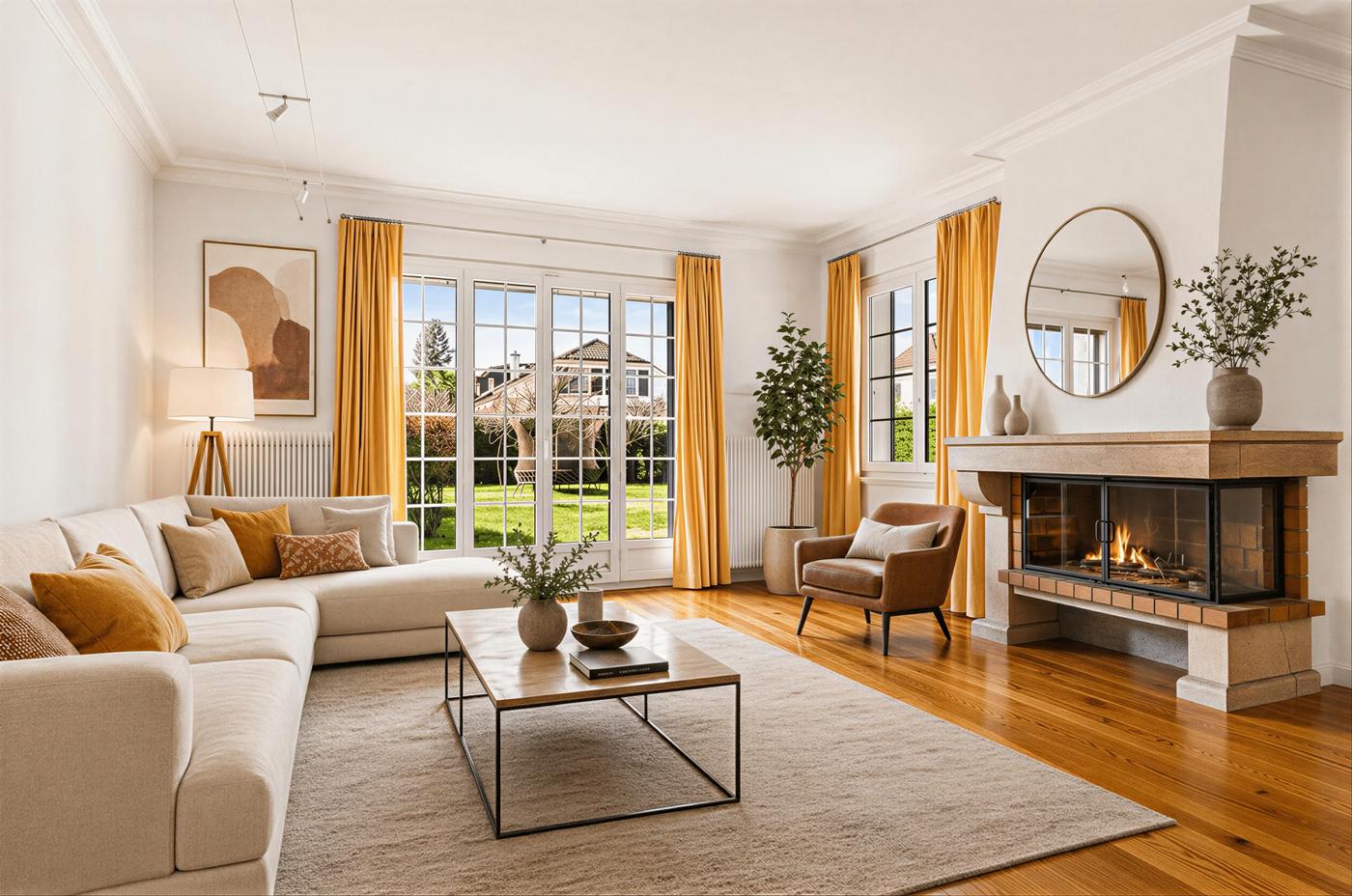
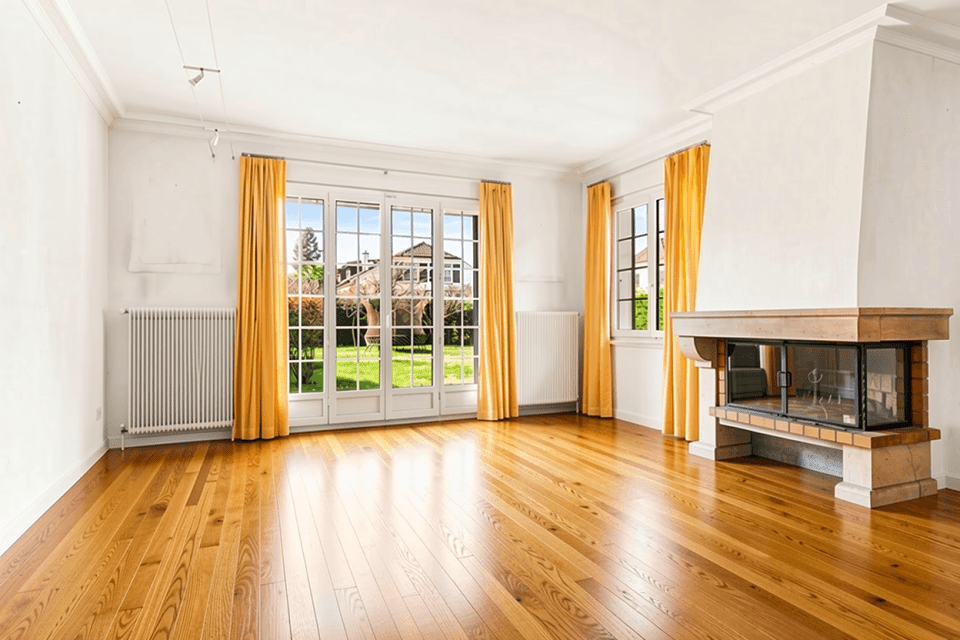
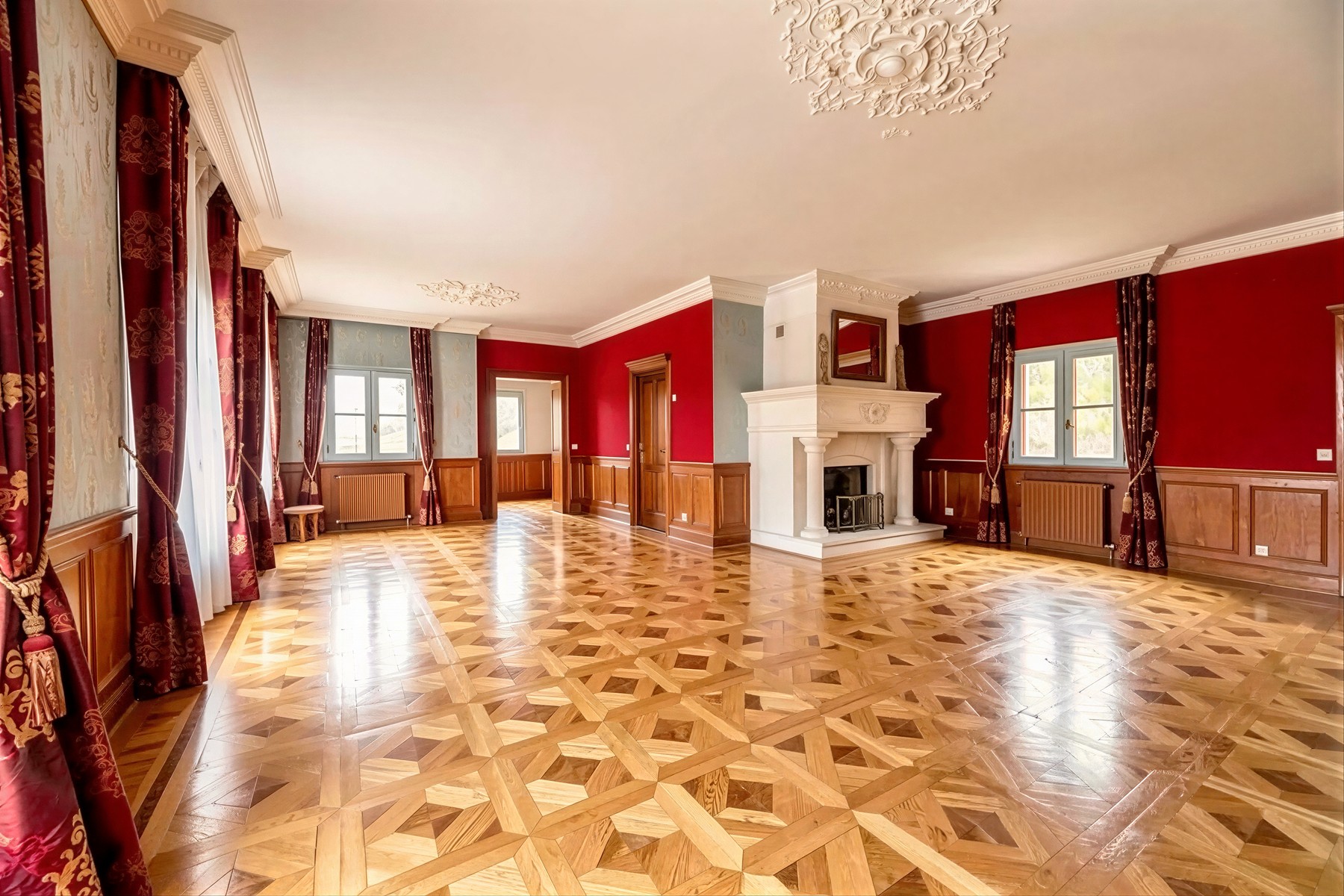
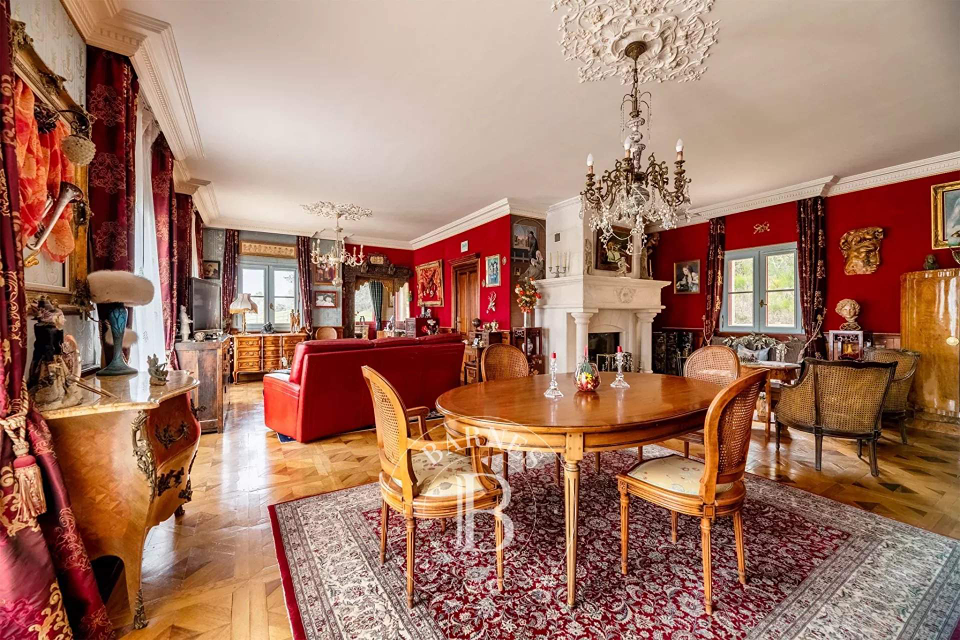
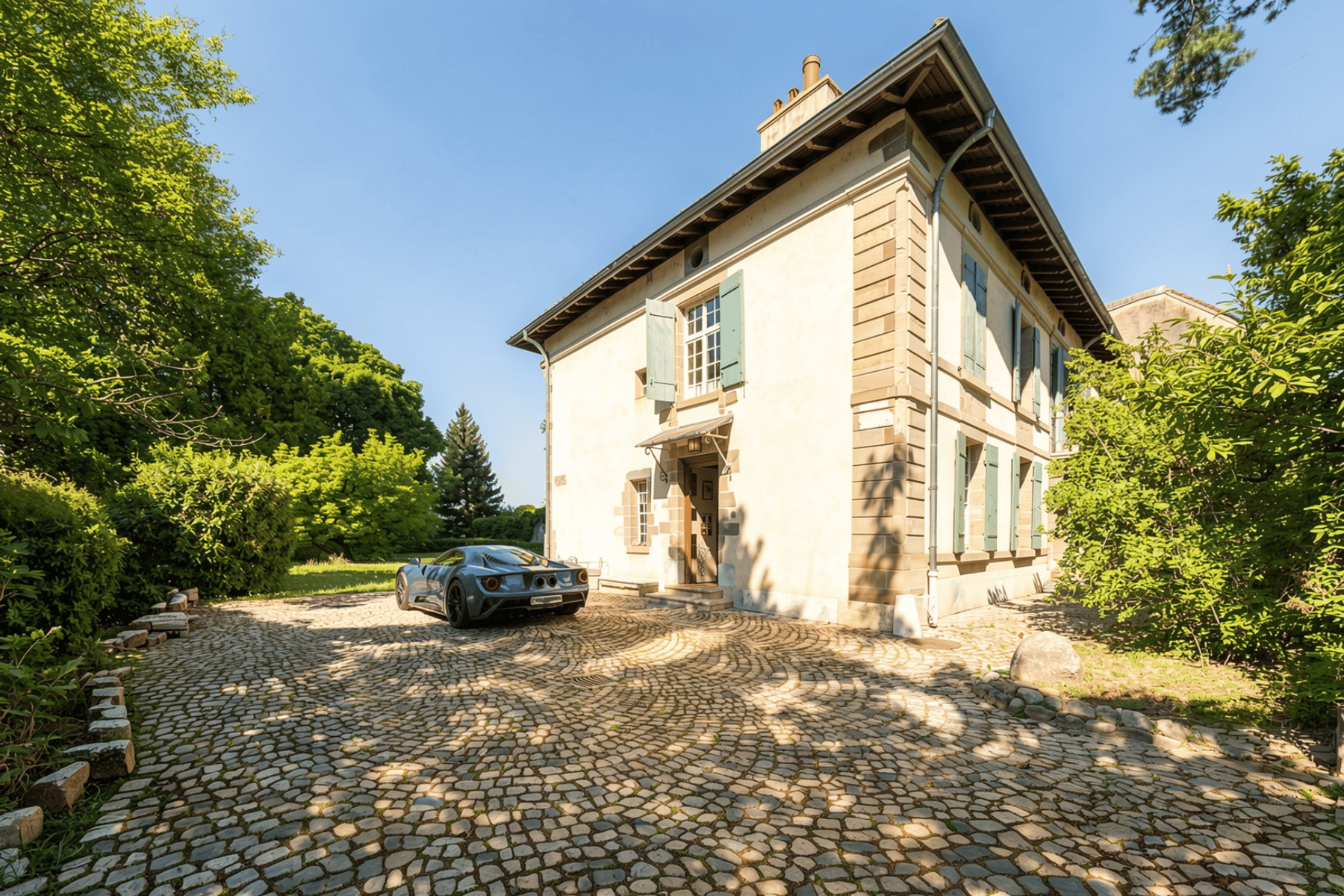
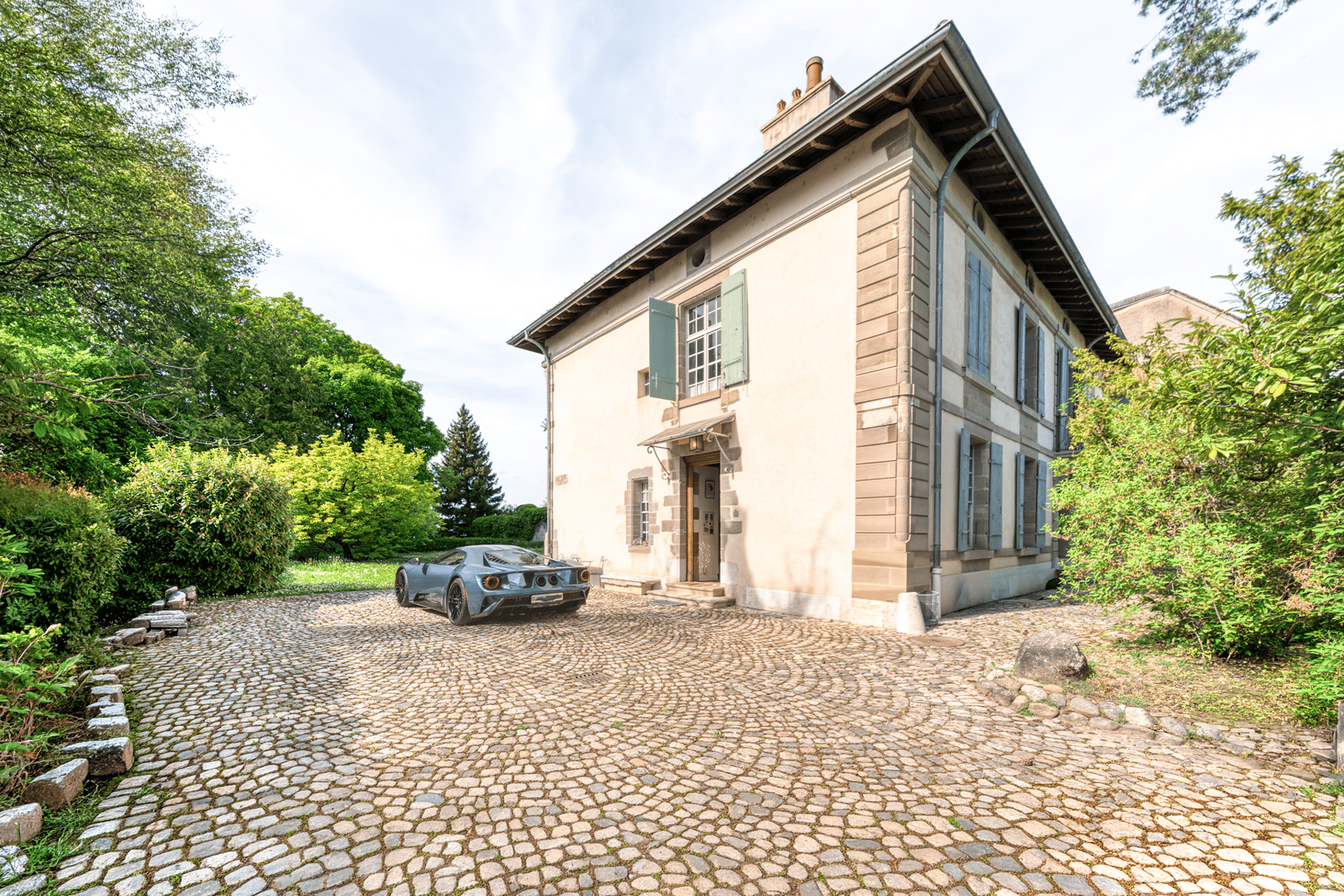
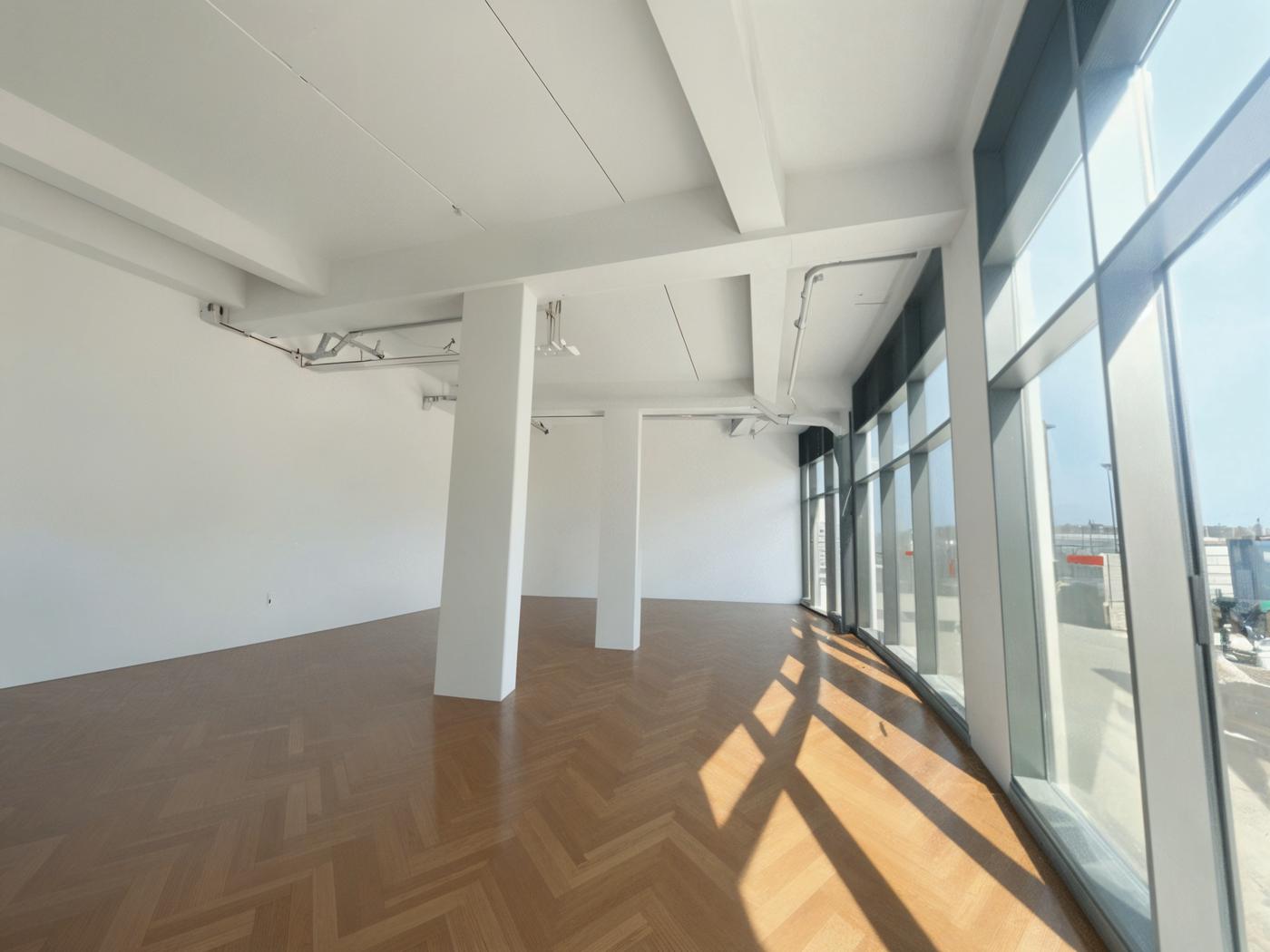
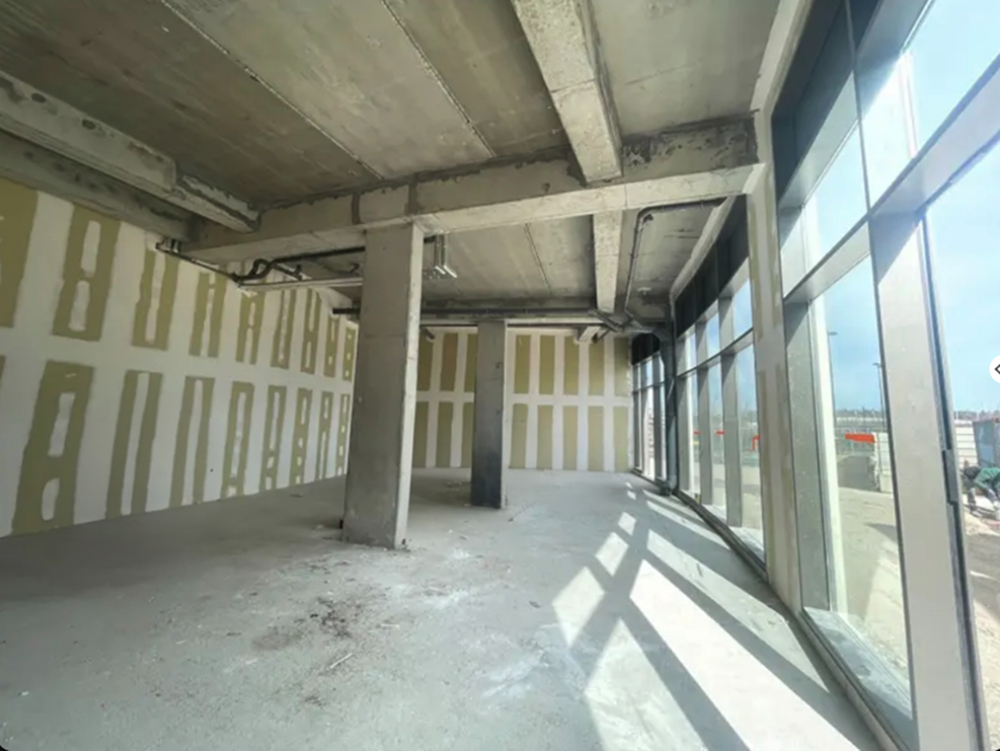
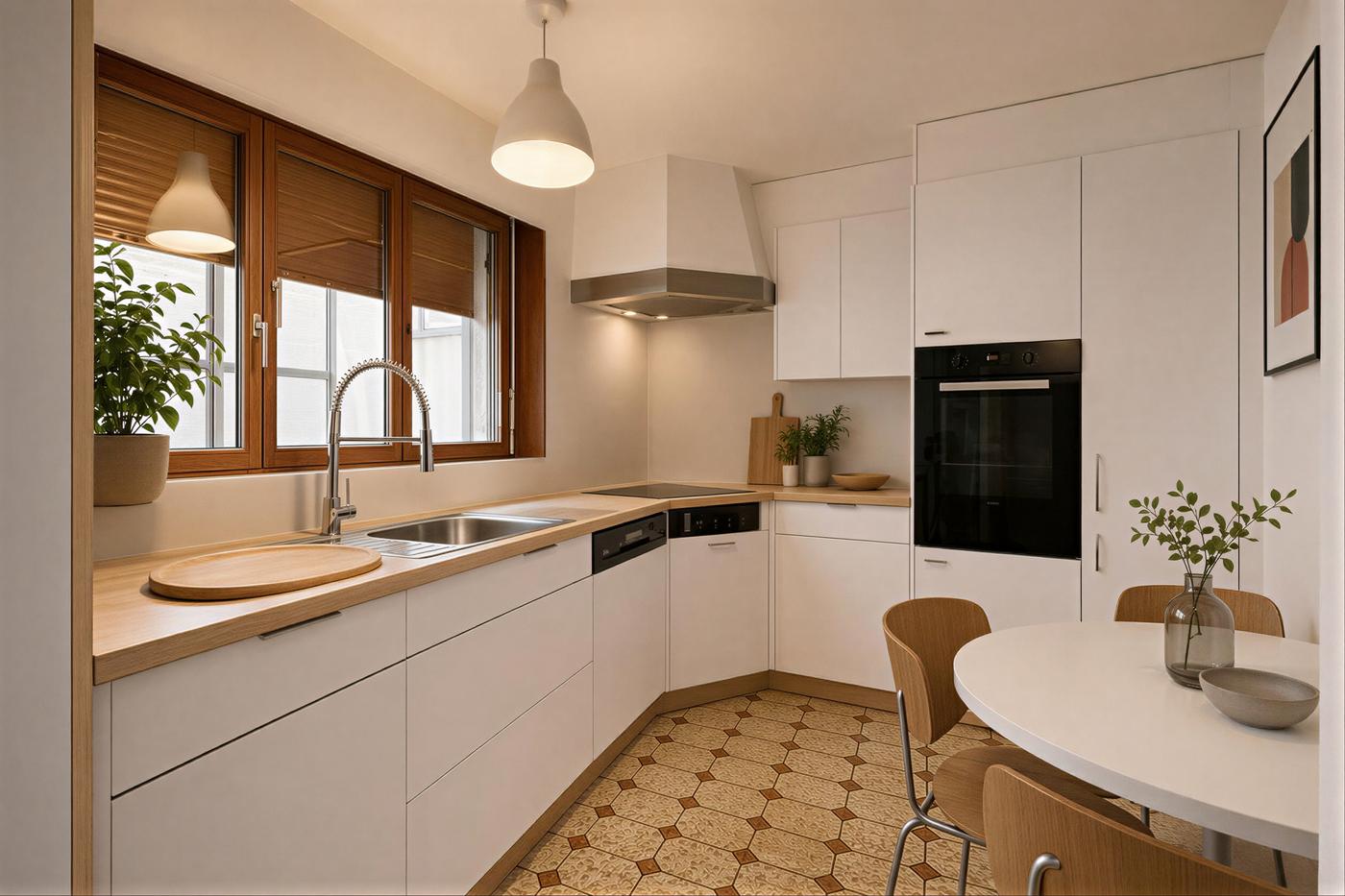
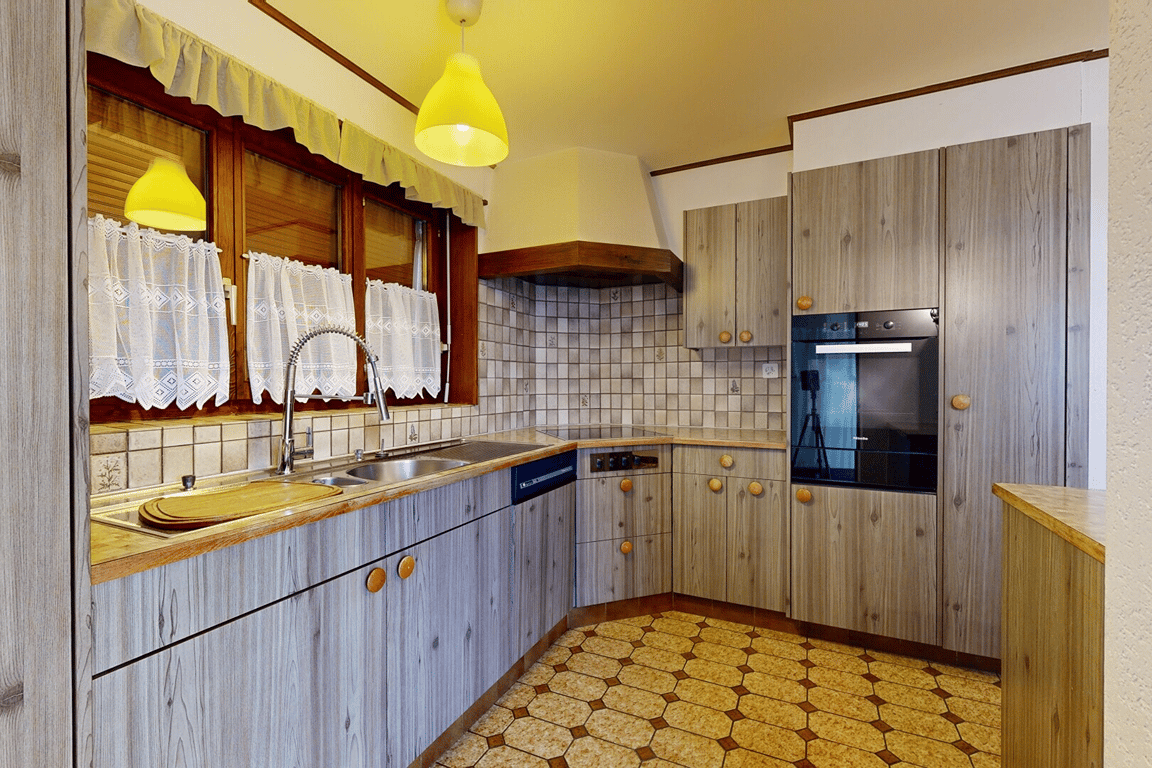
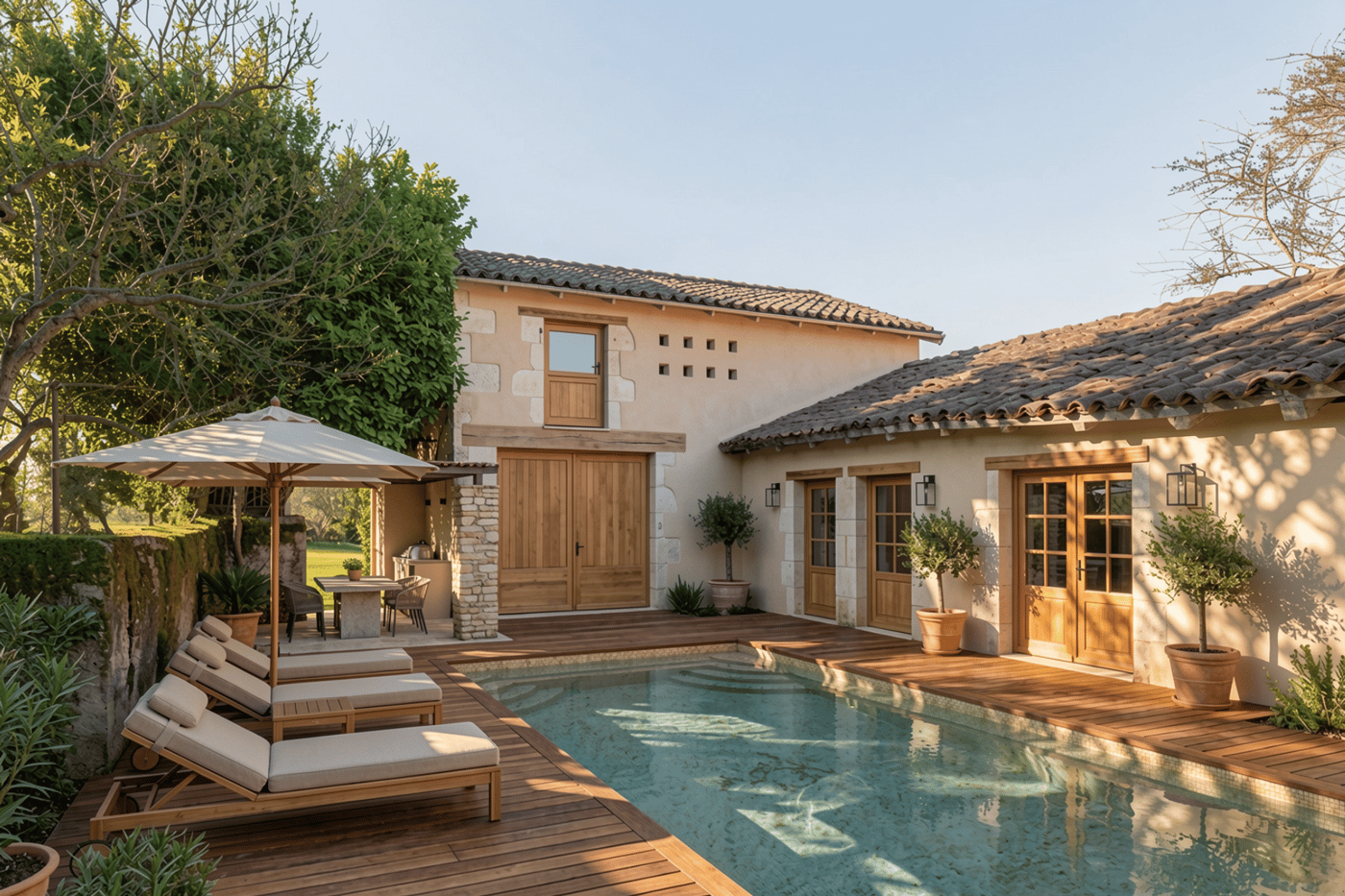
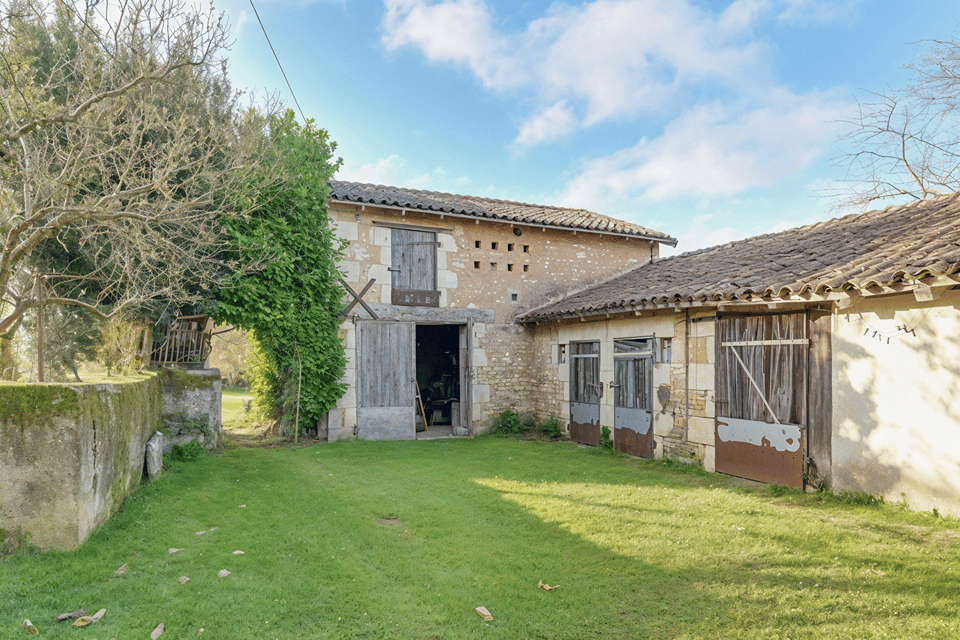
Same price range. More tools.
Gepetto plans cover staging, decluttering, sky, paint, exteriors, photo enhancement and 4K upscaling under one subscription. AI video is sold separately as credit packs, so you only pay for the clips you generate.
For active agents (5 to 10 listings/month).
For high-volume offices.
Frequently asked questions
Yes, with one honest caveat. Gepetto handles 90% of what ApplyDesign does (staging, multi-mode AI editing) faster, cheaper per output and with broader scope. The 10% where ApplyDesign wins: multi-angle 3D rendering of the same room and drag-and-drop furniture in 3D space. If those two capabilities are critical for your workflow, ApplyDesign is the right tool. If not, Gepetto is the better deal on every other axis.
One studio.
Every visual your listing needs.
Stop juggling tools. Stage, declutter, fix the sky, repaint, animate. All from the same dashboard, in your browser or on your phone.
No credit card required · Cancel anytime